Author Archives: Webmaster

I now want to move to Liechtenstein

Note: If this is your first time to TotalFluff, please visit this brief explanation. Thanks!

Hi, Fluffsters!

So, I read a great article that really makes me want to go to Liechtenstein. (Gosh, I’m so thankful for the copy and paste capabilities of computers. I would not have wanted to need to spell Liechtenstein from memory.)

So… Why do you think it is a good idea to move to a country whose name you cannot spell?

Because it’s small! And friendly looking! And THEY HAVE ROYALTY! And the royal family has the entire country over to their back yard for beer every year!

…I suppose I cannot argue with that kind of logic.

Ha! I knew you’d agree with me.

I never said that. I merely said I could not argue with that logic.

Well, happy Wednesday, everyone!

Silly Thing I Just Did

Note: If this is your first time to TotalFluff, please visit this brief explanation. Thanks!

Hallo, Fluffsters!

I just did something really silly. Well, by “just”, I mean “about 90 minutes ago.” I brought my laptop, still attached to its power chord, into a different location. Then I went to get something else, and totally didn’t realize that I had forgotten to plug the power chord in. So I’ve been sitting here with my computer “plugged in” to nothing, and now the battery’s going down a bit.

So I’m going to wrap this up… Have a nice Tuesday!

Quick Wolf-Sketch Work In Progress

Note: If this is your first time to TotalFluff, please visit this brief explanation. Thanks!

Hi, Fluffsters! Happy Saturday!

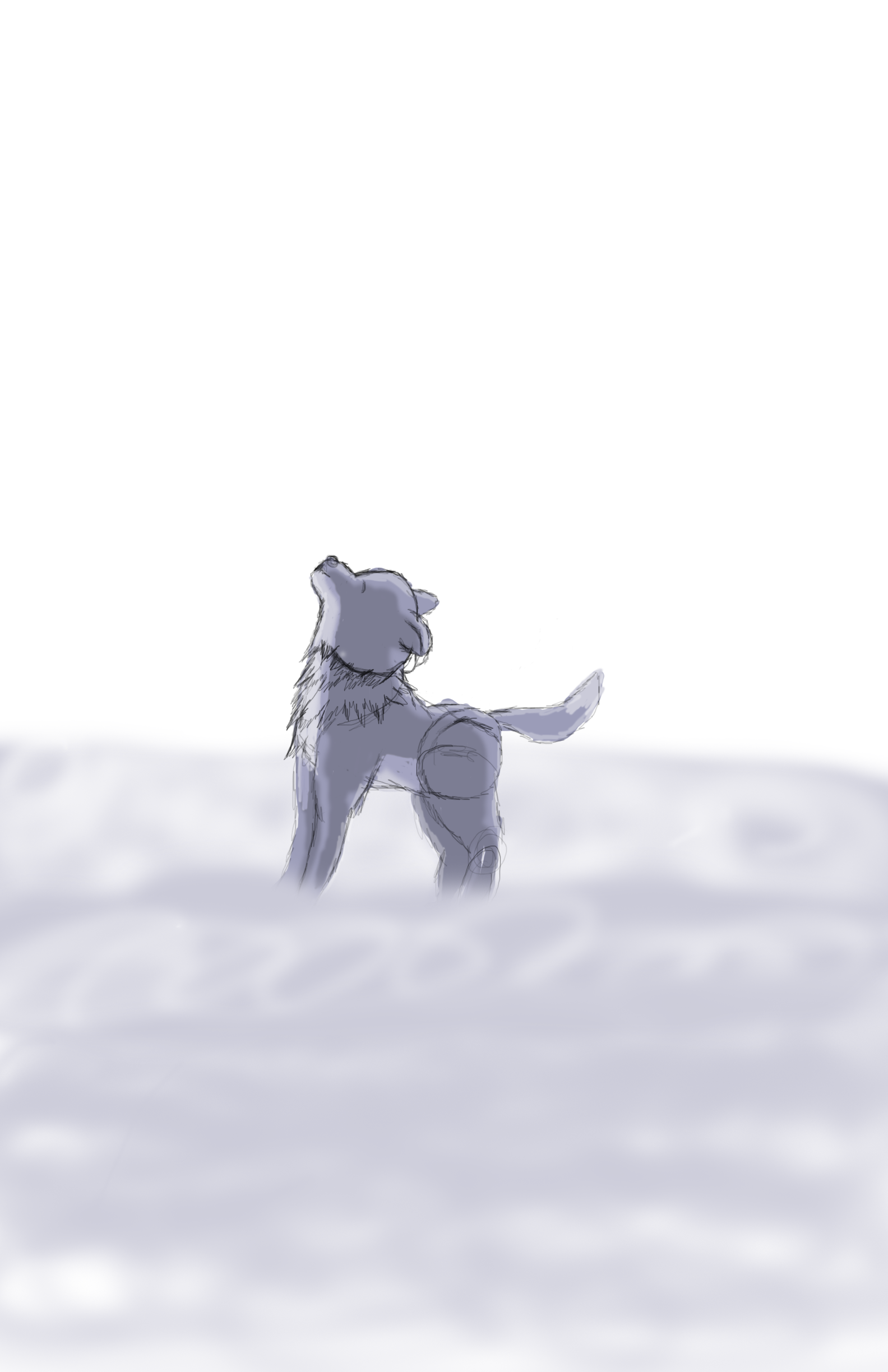
Last night, I started work on a little wolf sketch. I think it’s kinda cute, and definitely looks a bit fluffy, so I’m going to upload it.

A wolf sketch the Webmaster made on her computer

I sketched this digitally. I’m pretty happy.

Yes, I know the fog looks a little silly. It’s primarily there because I can’t get leg anatomy right for wolves. At least, not yet. Actually, I just can’t get leg anatomy right, no matter what creature… with the possible exception of a smiley face.

No. That does not count as an exception.

Yeah, ok. So, I’m bad at anatomy. But I still am happy with how this little wolf is working out so far!

I’m “Ticked”

Note: If this is your first time to TotalFluff, please visit this brief explanation. Thanks!

Hiya, Fluffsters!

So, the other day, I got a new analog watch, for very inexpensive so I like it. (It’s the simple things- good deals make me happy.)

Anyway, I pretty much like this watch. But it does tick. More to the point, it ticks at different times from the clocks around the house. And there’s nothing really I can do about it.

But it’s still a nice watch.

So, happy Thursday!

Cutest Duckling Slide EVER.

Note: If this is your first time to TotalFluff, please visit this brief explanation. Thanks!

Hiya, Fluffsters!

So, I saw this video on Facebook, and found it again on YouTube so I could share it with you. It is, and I kid you not, an adorable duckling slide.

Watch it. It’ll be about the fluffiest, cutest, adorablest 30 seconds of these next 32 seconds. (See what I did there?)

I mean, seriously. Ducklings. Going. Down. A. Waterslide. How do you get anything cuter than that?

Maybe use proper punctuation?

Oh, hush.

And clearly, the ducklings love it. Otherwise, why would they keep going up to slide down again? (Unless they’re really, REALLY unintelligent.) But I think it’s that they like it.

And on that fluffy note, happy Wednesday!

Why My Dog’s Hair is Too Long

Note: If this is your first time to TotalFluff, please visit this brief explanation. Thanks!

Hi, Fluffsters!

Today’s post is short.

When you write “short”, how short do you mean?

Shorter than my puppydog’s hair currently is.

I hope you realize that is not a particularly helpful answer.

Oh. Right.

Well, it’s basically long enough for me to write “my dog’s hair is too long- it covers her eyes so she can’t see very well. In fact, a few days ago I saw her walk headfirst into the front of a parked car. It was quite amusing, actually. (Don’t worry, she was just fine. Her hair was probably long enough to cushion the impact.)”

I suppose that is a short post.

And I now don’t quite know what to do. Do I write that post? Or do I just leave this conversation as the post?

So you’re not going to help me. Fine. Well then, fluffsters, what do you think? Should I write out the post again? Or just leave the post as is?

Tutorial: Make Fake Windows in Photoshop (With Some Pics)

Note: If this is your first time to TotalFluff, please visit this brief explanation. Thanks!

Hey, Fluffsters!

Last night, I was up a bit too late again. But that was in part because of writing this post. But enough excuses. The main reason I stayed up too late was because I discovered a fun technique on Photoshop. I found a way to make fake windows!
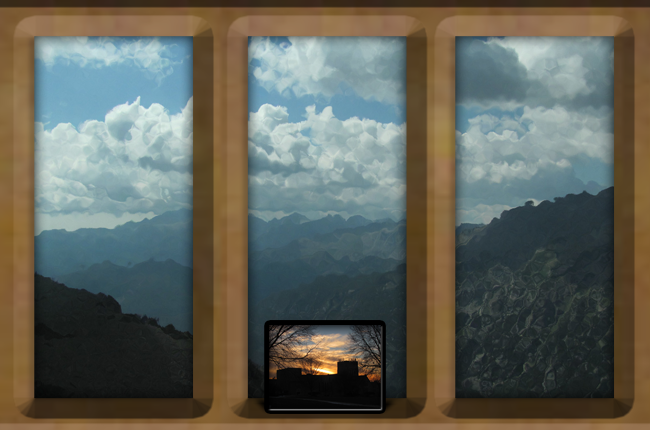
Picture of a picture in a frame on a window frame.

All it took was a couple photos, Photoshop, and about 10 minutes… once I knew what I was doing

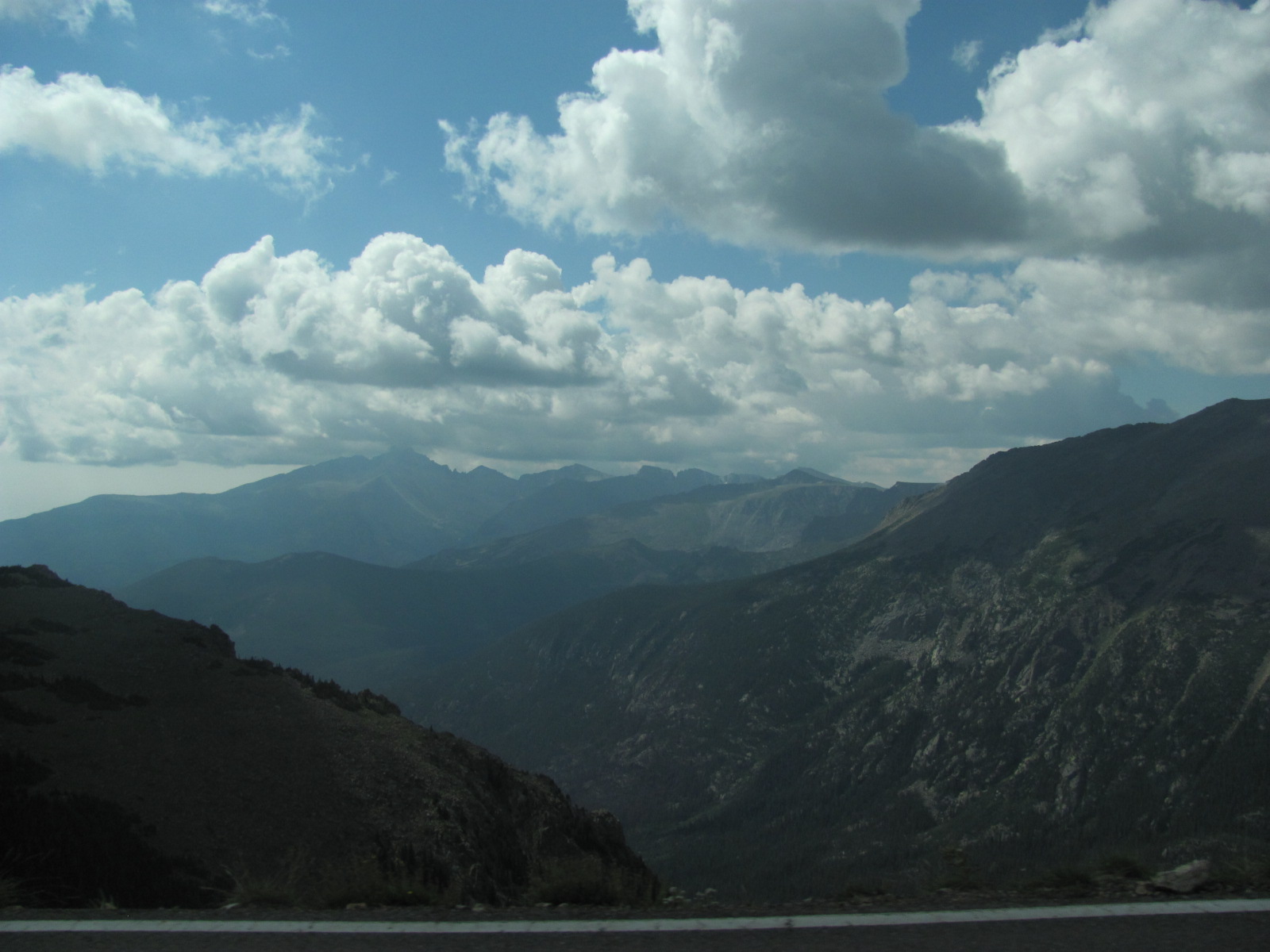
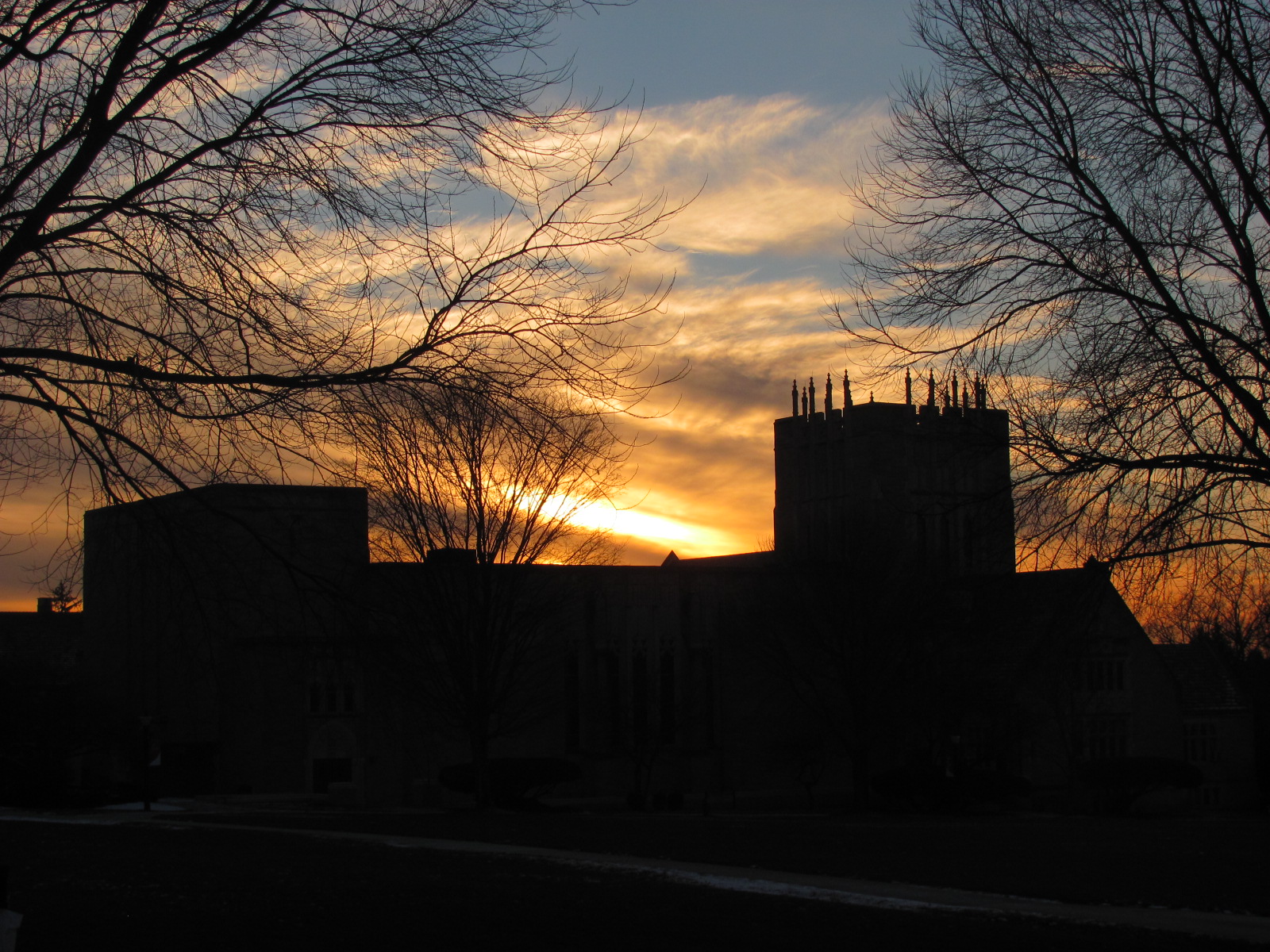
So, the two photos are completely separate, and started from these:
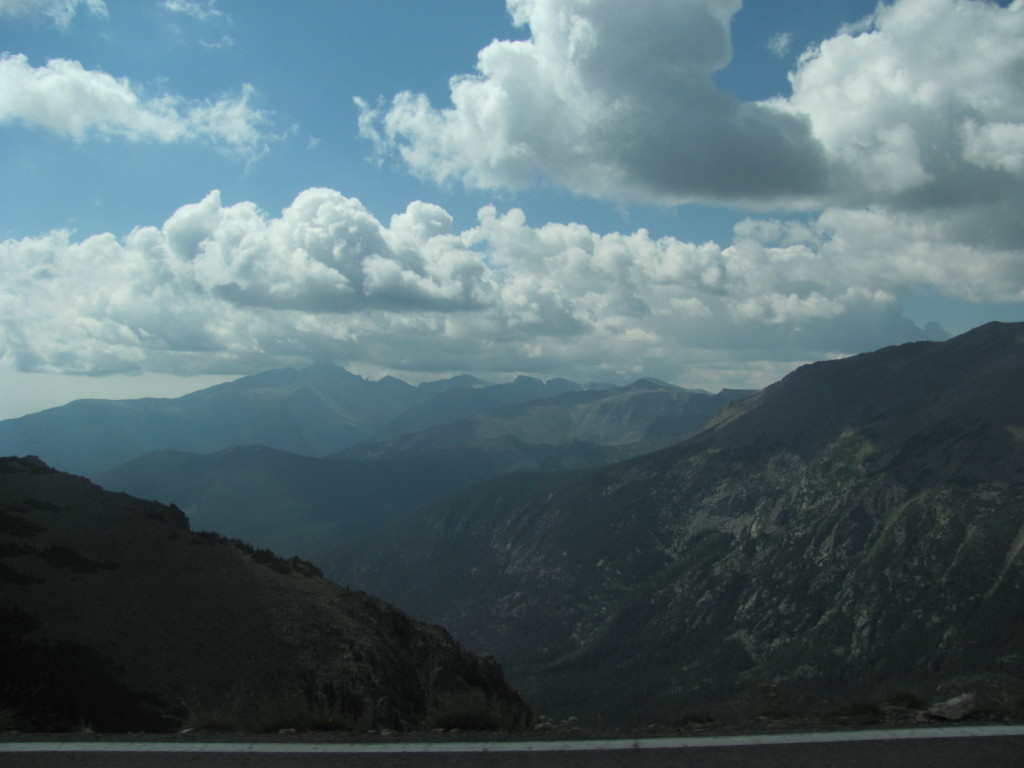
Pretty colorado mountains that get turned into a window view

This is the original view the “window” looks out on
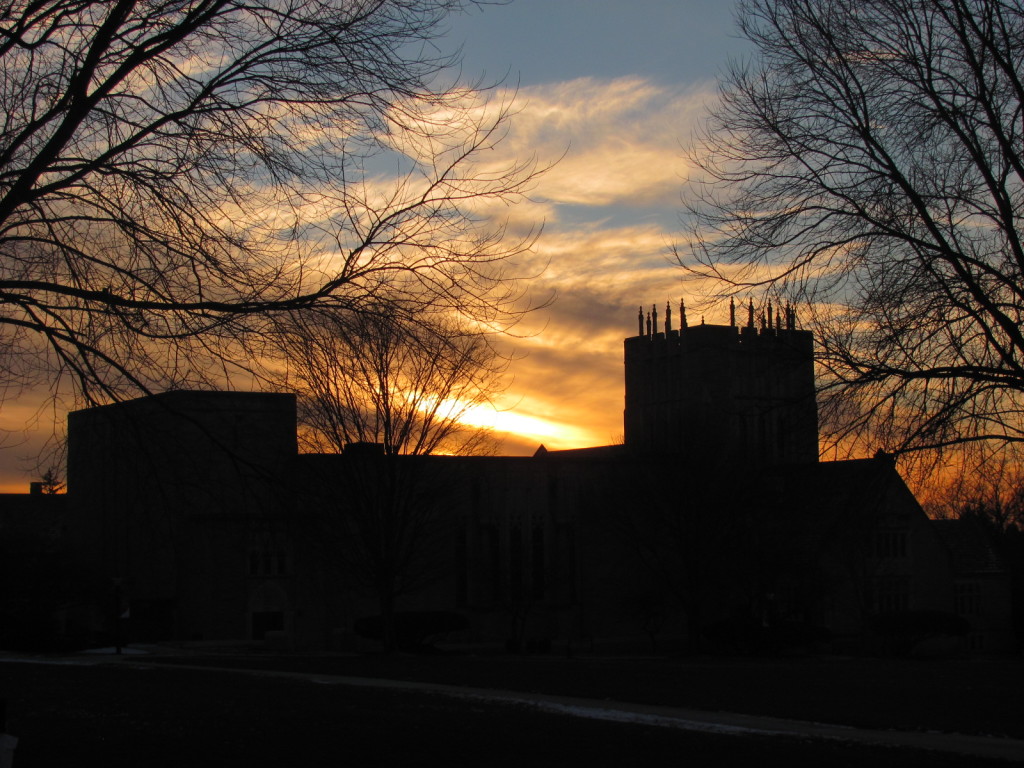
Pretty building sillhuette at sunset

This is the one in the “frame”.

I next distorted the “view” picture using glass effects. I used the “frosted” glass option. For this one, I went with a small amount of distortion and a large amount of “smoothness”.

I then used vectors to create my frame shape, used a wood pattern I created a while ago to make the window look wooden, and bevelled the heck out of that layer. (Play around with it until you get something you like.) I used the “hard chisel” Inwards.

To create the frame shape, I used the rectangle tool. Next, I took three rectangles “out” of the shape, by using the “subtract” option on the rectangle tool. That’s what gives it the multi-paned look.

Have fun with the wood pattern… I don’t remember how I did that one.

Next I copied the “framed picture” into the image I was working with, on a layer above the frame. I resized it, and moved it to where I wanted. Next, I gave it a fairly thick black stroke. Make sure it’s thick- you’re going to bevel this one, too.

So as I just said, go to bevel. Use the “stroke” bevel. Make sure the depth is less than the thickness of your stroke.

Next, create a new layer the size of your “framed picture”. (This will be your shadow.) Fill it with a dark color, and move it behind your frame. Skew it until it gets to be about the shape you want. Turn the setting to “Multiply”. Then give it a “box blur.” (Again, play around with the settings until you like what it shows.)

And that’s it!

I’ve done a few others of these windows, and just reuse the window frame. (And really, that’s the hardest part. So once you create one, you’re set for a while!)

And there you have it! Other possibilities include “taping” pictures to the window or window frame. Or create more “framed pictures” to go on the “window sill.”

Then you can either use it as a desktop background on your computer (and look “outside” when you’re not working), or you can maybe stick it on a wall to give yourself an extra cool window.

Have fun!

Movie Review: Guardians of the Galaxy

Note: If this is your first time to TotalFluff, please visit this brief explanation. Thanks!

Hiya, Fluffsters!

So, I’m writing this post, which will be published tomorrow from my perspective, having just gotten back from seeing Guardians of the Galaxy in 3D.

First of all, let me say that I enjoyed it. A lot. The characters were fun, some were totally adorable, and one of them was even fluffy, thus qualifying it for a post. 🙂

Next, a couple of crits. The plot was a little slow or boring at first. (This is kinda similar to Avengers, though, so it’s not too surprising.) It’s not until you have a “Major Moment Scene” about an hour into the two-hour-long movie that you really seem to have cohesion of the group. It’s not until a few scenes after that when things get really interesting. But it ended really well, and I’m looking forward to sequels.

Also, plain 3D was maybe not the best. I normally love 3D movies- it was much to my disappointment that I was not able to see How To Train Your Dragon 2 or Frozen in 3D in Theaters. And 3D really helped bring added depth to the various Hobbit movies (which, alas, was kinda needed…) But for Guardians of the Galaxy, (it could be because I just got new glasses,) there seemed to be something a little too distracting about the 3D style. The visual effects were fun, but they distracted from the story. I’m not sure how much better 2D or IMAX 3D would have been. But there was something a little off from my perspective.

Finally, some final comments: The technology presented in the movie was fun to think about, and seemed realistic. Even better, there were no obvious plot inconsistencies that stood out to me. (Unlike Tangled, for example…) And the characters were fun. Each one had his or her own different personality, and there was enough verbal sparring going on to make it amusing in places.

I highly recommend seeing it.

Happy Thursday!

Easy Ways to Make What You’re Wearing a Fantasy Costume

Note: If this is your first time to TotalFluff, please visit this brief explanation. Thanks!

Hiya, Fluffsters!

So, I understand that this title looks like it would be more relevant for Halloween time. But it can also work for right now.

Besides, Halloween is coming up in only a couple months. And a bit.

Anywho.

Background: Last night, I found out that I had an opportunity to go to a thing that involved costuming/acting/improv/stuffs only about 30 minutes before I was going to be picked up. It was really fun, but I didn’t have much time to change into a costume specific to a character. I fortunately had enough time to convert what I was already wearing into a good costume for a character I already played, though. And that got me thinking of different ways to very easily…

3 ways to Make a Costume from What You’re Wearing (mostly involving glitter.)

1) Put on glitter eyeshadow. This can easily be used to make yourself a “fairy.” Or other magical creature. After all, air sprites, fairies, nymphs, and most other female types of mythical creatures always have glitter eyeshadow. It’s practically in the job description.

It therefore doesn’t matter what you’re wearing. Long, formal attire? You’re a noble fairy. Ratty clothing? Fairy trying to blend in. Or something. Regardless, the glitter can totally indicate “mythical creature.”

Or you can spin it as “diva.” Either works.

Of course, the problem with anything glitter is that it gets all over. And you cannot get rid of it for at least a day. So, be warned.

2) Cosmetic glitter all over. This unfortunately is almost always “Twilight” Exclusive. But you’re now able to claim to be a vampire. (At least from Stephanie Meyer’s book series.) Sorry for mentioning that series here, though… But it works. Alternatively, you can claim to be a sprite, nymph, or other fantasy “spirit” creature.

3)Just go as you are. If anyone asks, you’re (whatever you want to be) in disguise. This is probably the easiest, and also the least creative. But if you’re really desperate, go for it!

I hope this helps! Have fun!

Avoid mistakes like this when writing an apology letter

Note: If this is your first time to TotalFluff, please visit this brief explanation. Thanks!

Hiya, Fluffsters!

Happy Sunday!

For the start of the week, I thought I’d provide you with an example of how not to send an apology.

Although, to be fair, United Airlines probably got a lot of free publicity from those mistakes. So who knows?

I guess it depends on what you’re trying for.

Well, I hope you have a good week!